
I’m excited! It’s finally time to share my newest feature called How Did You Do That? This series will revolve around makers and how they create the things we love. It comes from both a curious and selfish place, because when I look at an illustration, I often wonder how it was made. Don’t you? For the first installment of How Did You Do That?, illustrator Nancy Liang shares how she creates her beautifully spooky GIFs. She also gives some great advice for aspiring animators!
So, without further ado, here’s my interview with Nancy!
Brown Paper Bag: What’s the first step of creating your GIFs? What type of drawing materials do you use, and how do get your images on the screen?
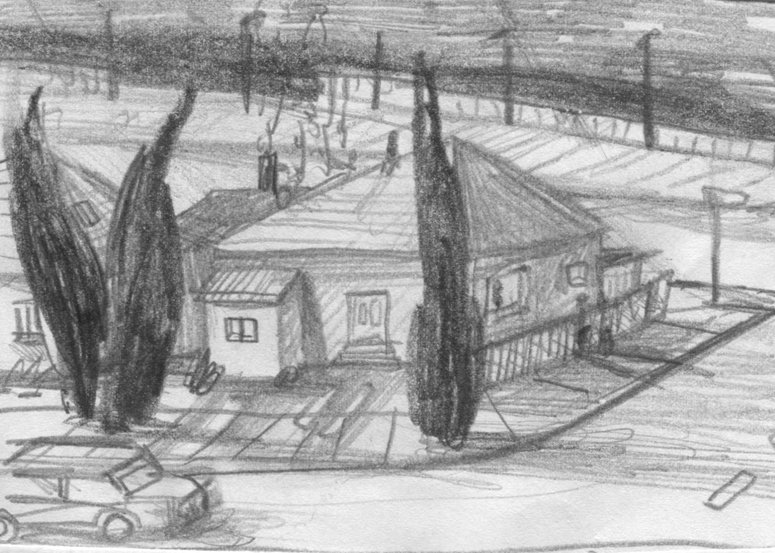
Nancy Liang: I begin with sketches first. They start rather loosely but become more defined as I use them as a guide when I collage. Sometimes my final work will not look exactly like my sketches – a few things may be missing or changed.
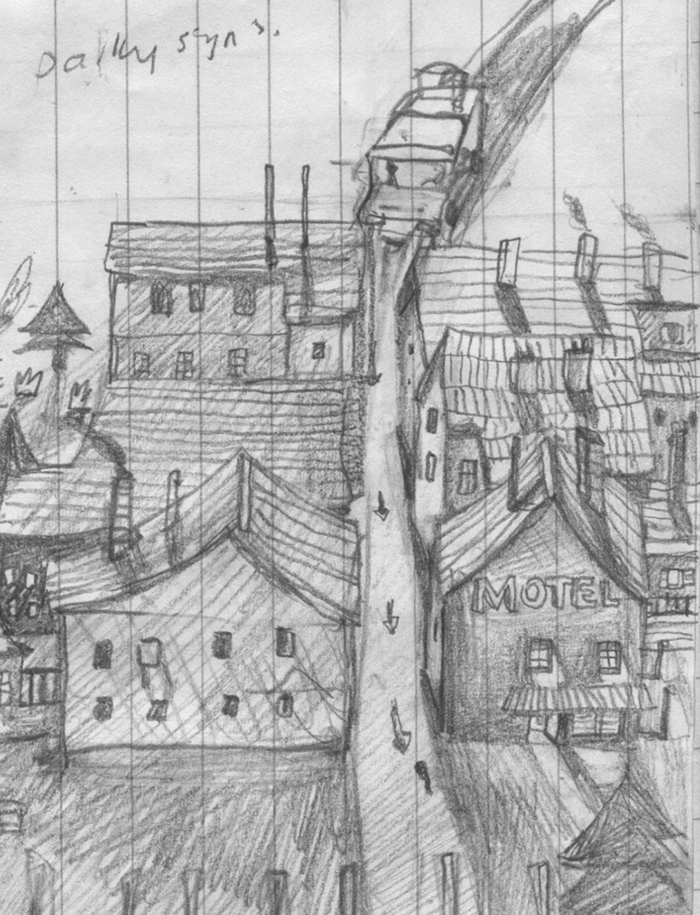
Nancy’s initial sketch (finished piece below).
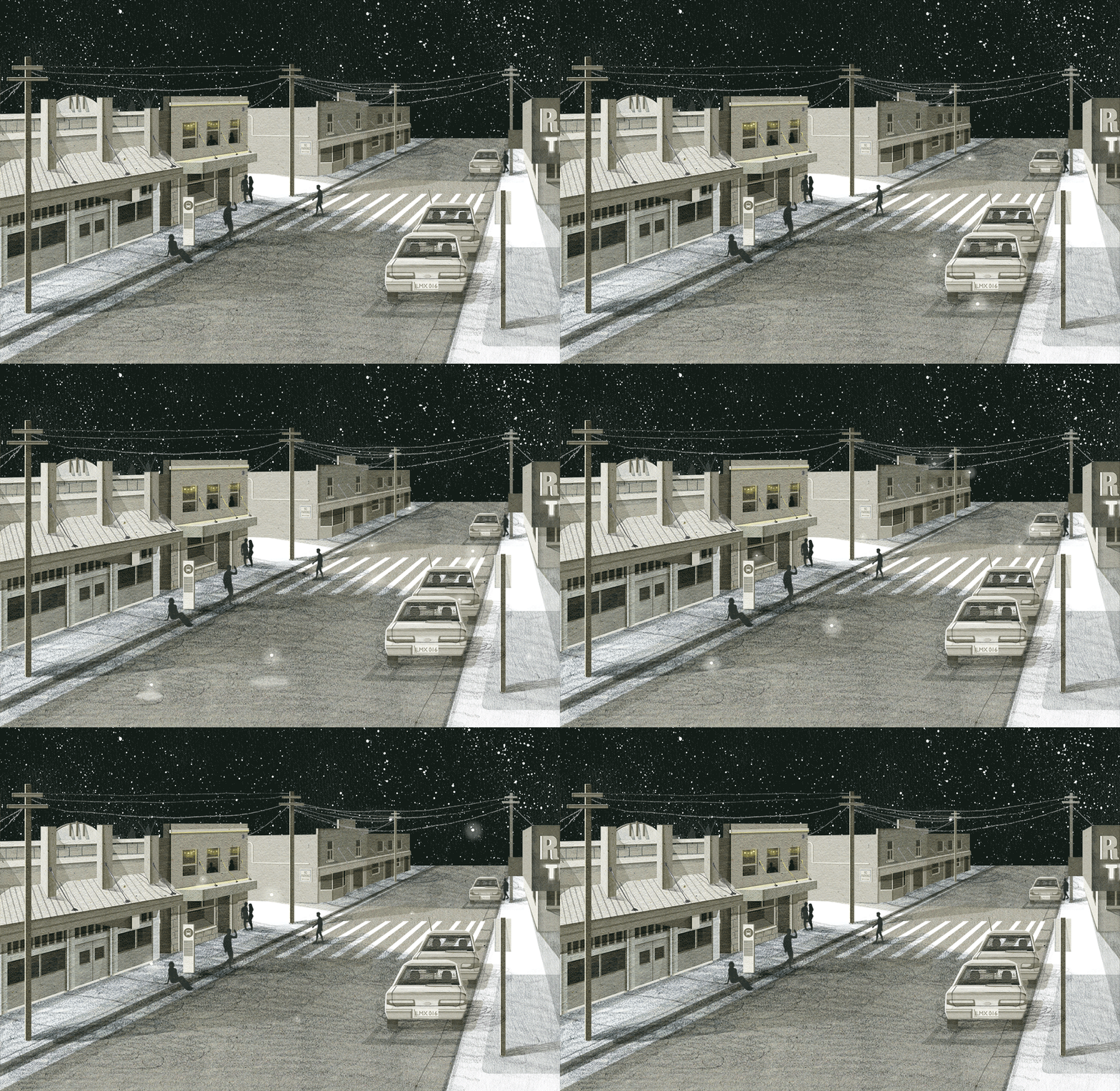
NL (answered continued): If it is an animated piece I have to think about what I need to animate before I start. I write a lot of notes and use a checklist. For me the animation process must be very organized and controlled. The process is very close to that of traditional animation. The background is usually a static handmade and/or hand drawn piece and what I choose to move is separated into layers and placed over the background. I will then scan all my layers into my computer, arrange them in Photoshop and then start to animate.
I use lots of kraft paper and discarded card. If I ever use color I make my own textures by painting, using markers, pastels etc. I use a range of graphite pencils ranging from 9H to 9B.
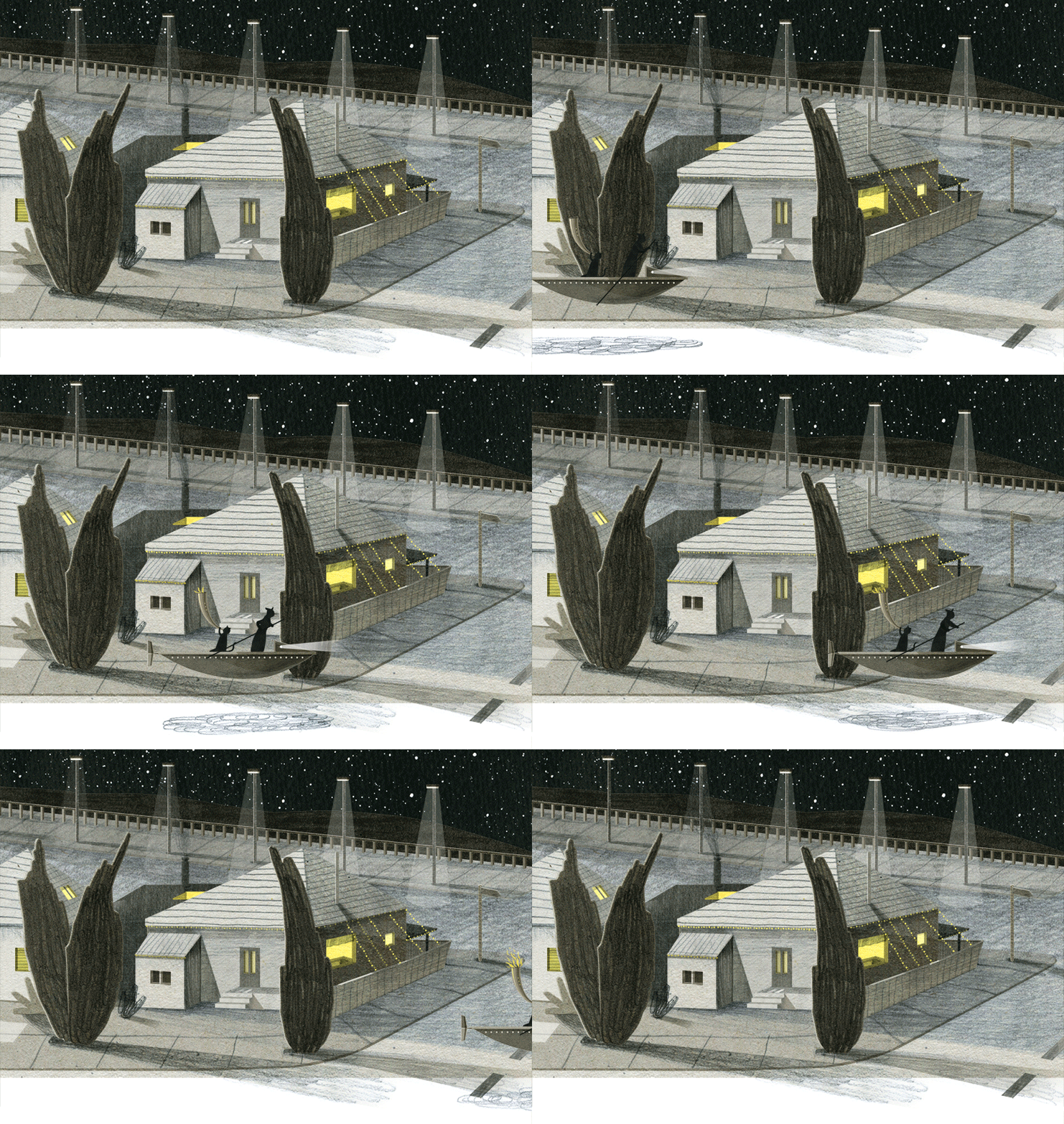
Nancy’s finished animation (sketch above).
BPB: How do you create a smooth digital animation while still making it look hand drawn?
NL: I work with at least 10 frames per second. I find anything considerably less a bit choppy.
All of my elements that move are completely hand drawn or hand made frame by frame. It can be very time consuming.
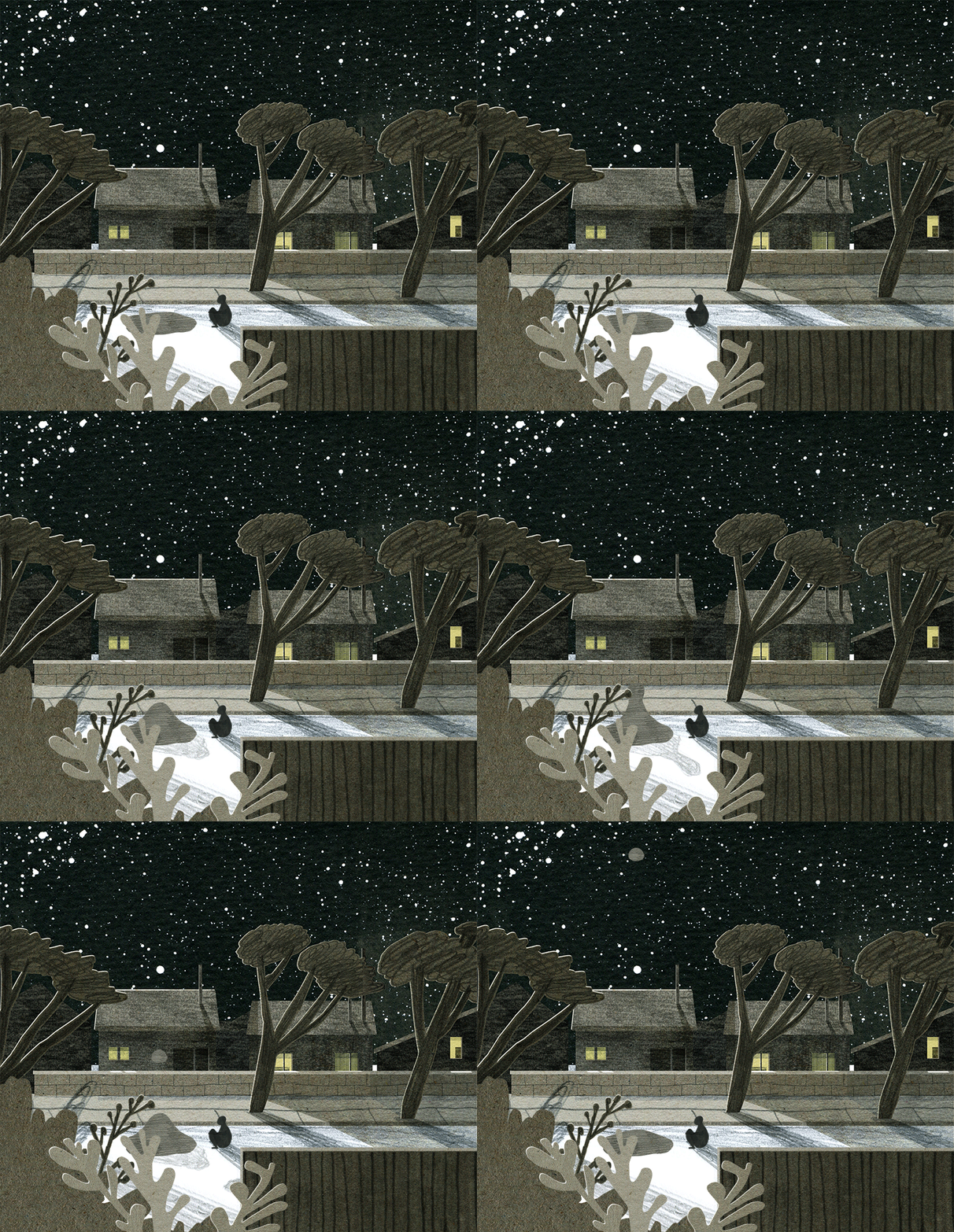
The motion captured frame by frame:
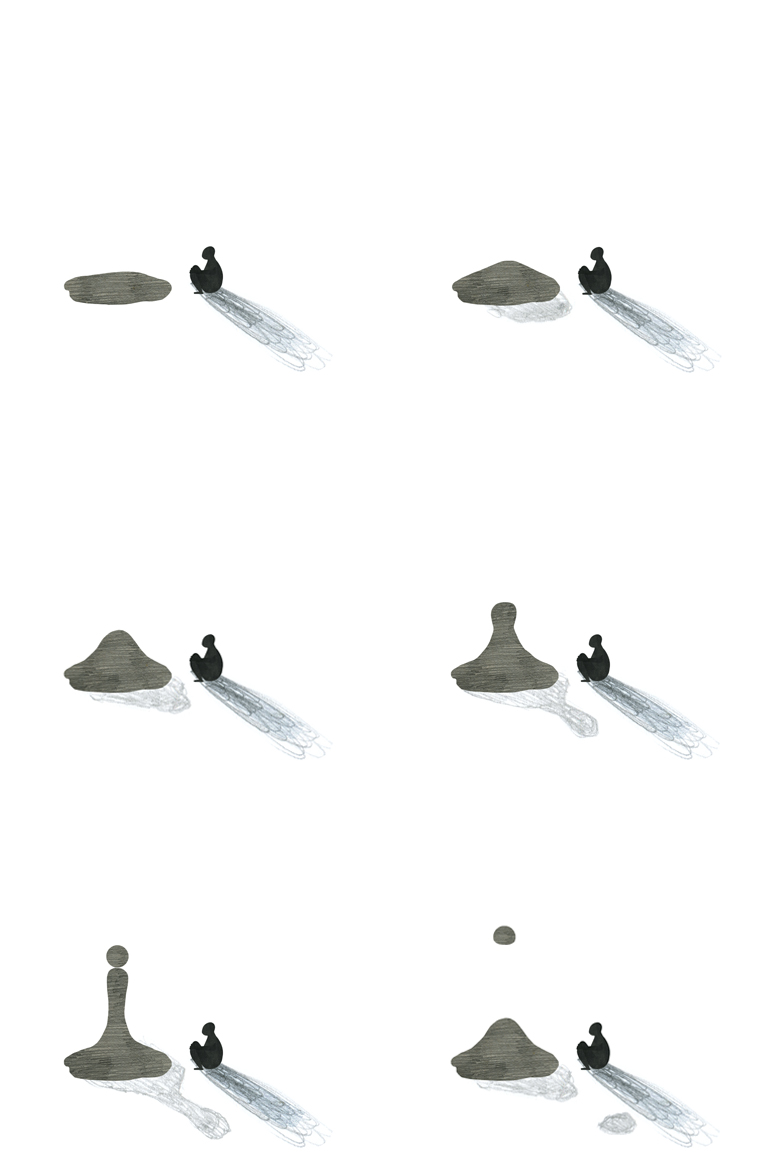
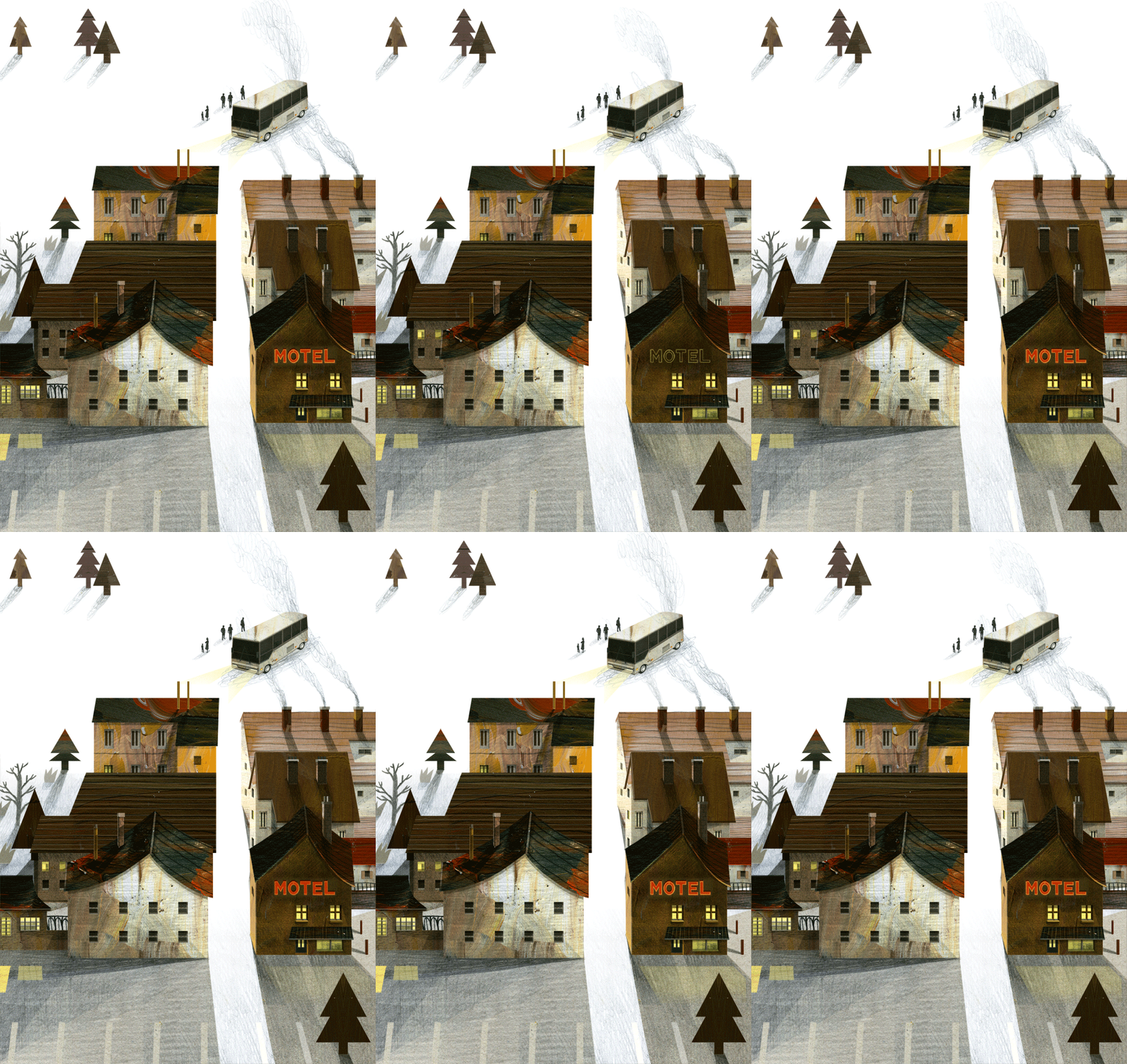
NL (answer continued): The smoothness of an animated piece depends on your observation and attention to detail.
I believe our eyes are not as great as we think they are and it is very easy to trick them. A fast movement of the arm may only need 2 frames. You may feel 2 frames can be choppy, but keep in mind smoothness comes down to the timing you set. Everything that animates moves differently – it never moves in a perfect rhythm unless that is your intention. Knowing about animation comes with experimenting so the more time you play around with GIFs the better you know about balance, frames, timing and movement.
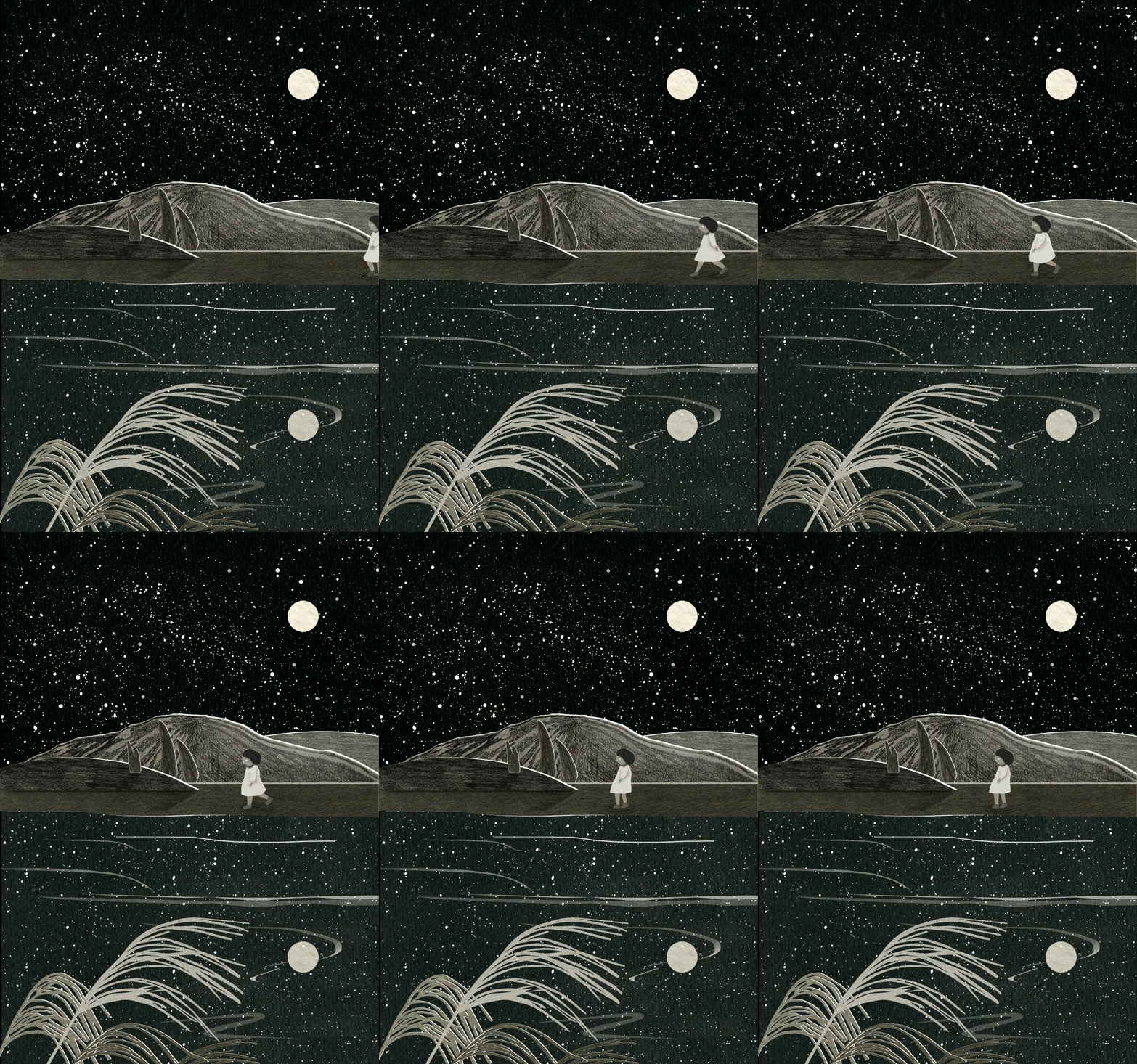
The motion captured frame by frame:
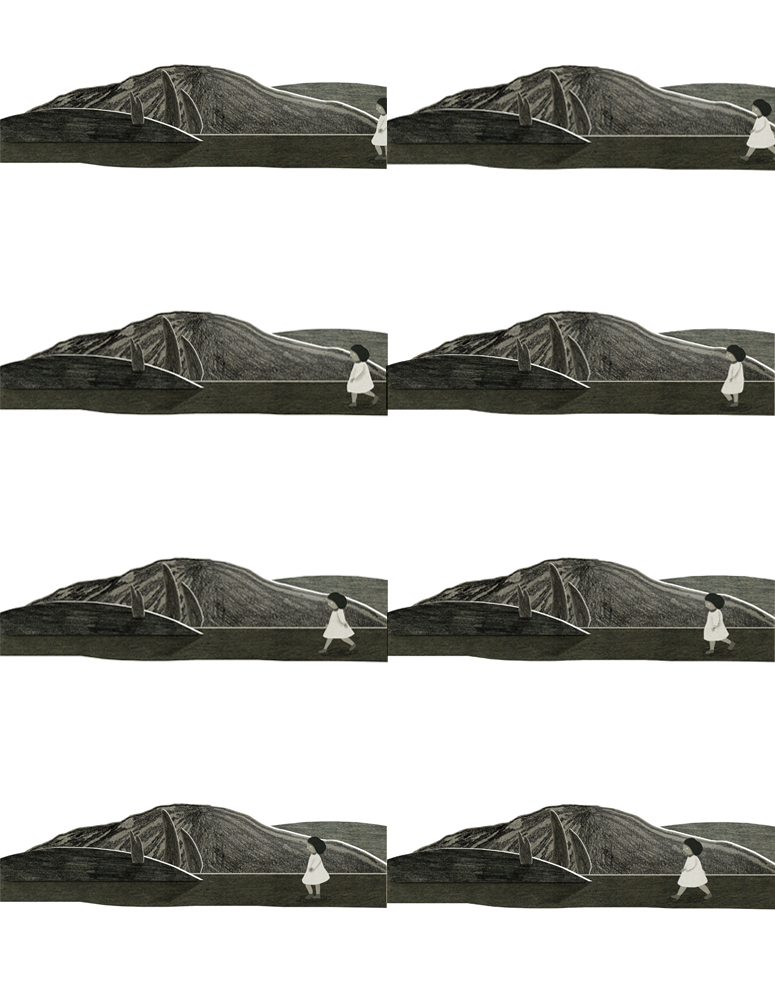
BPB: What’s the most valuable piece of advice you received when making an animated GIF?
NL: Be observant. While learning from animated films are useful you should look at motion and timing of subjects in real life. You should understand how your subject moves before animating it in your own way.
BPB: Why do you work in layers?
NL: Working in layers allows me to animate individual subject matters easily.
The objects in my work have hundreds of layers down to the shadow under window pane. For me everything must be separate. That way I can move or redraw single elements frame by frame rather than create hundreds of finished collages frame by frame. I draw, I cut, I paste and shift things around. It is a reiterative process.
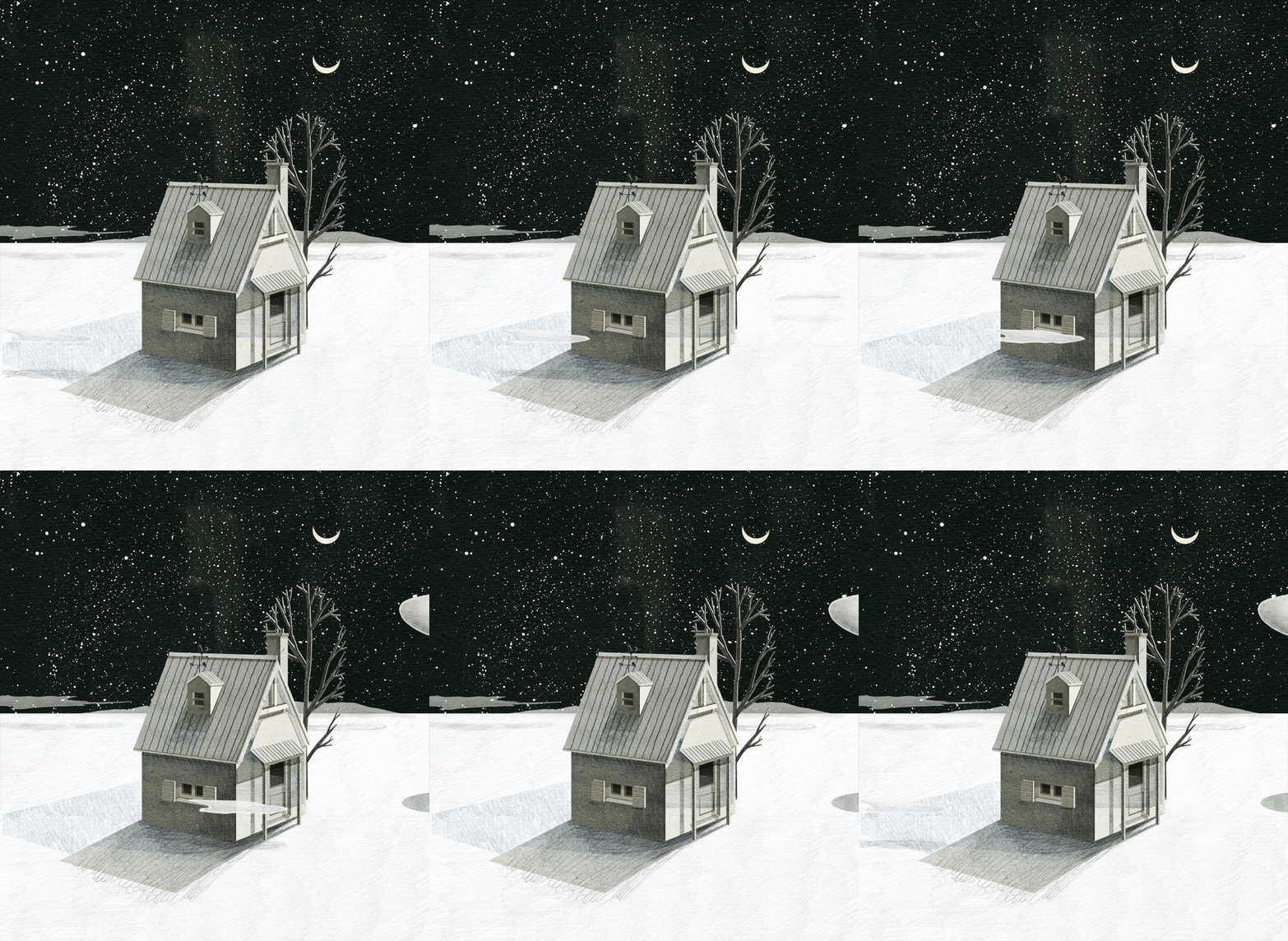
Here’s how the image is broken down. Layer 1:
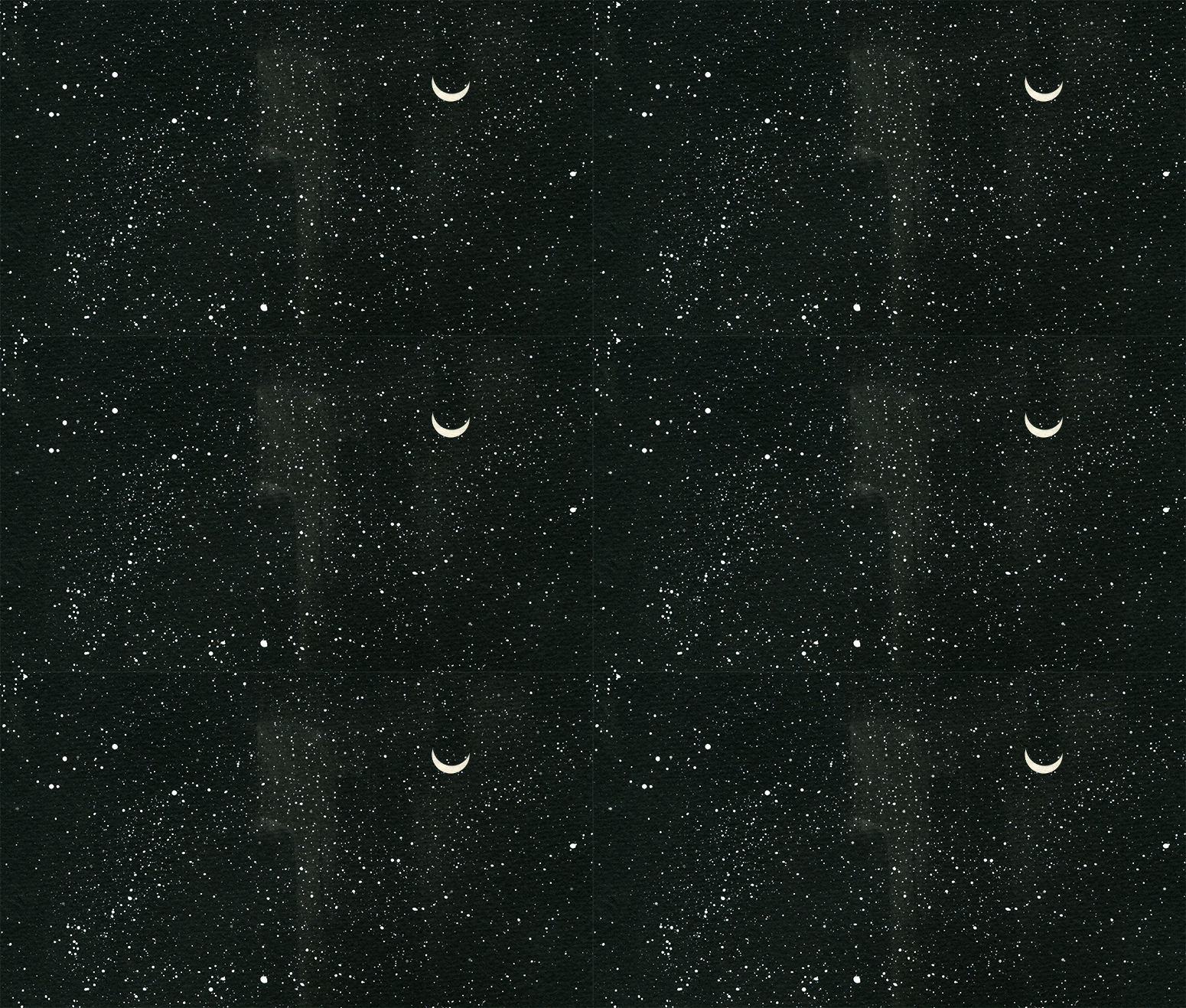
Layer 2:
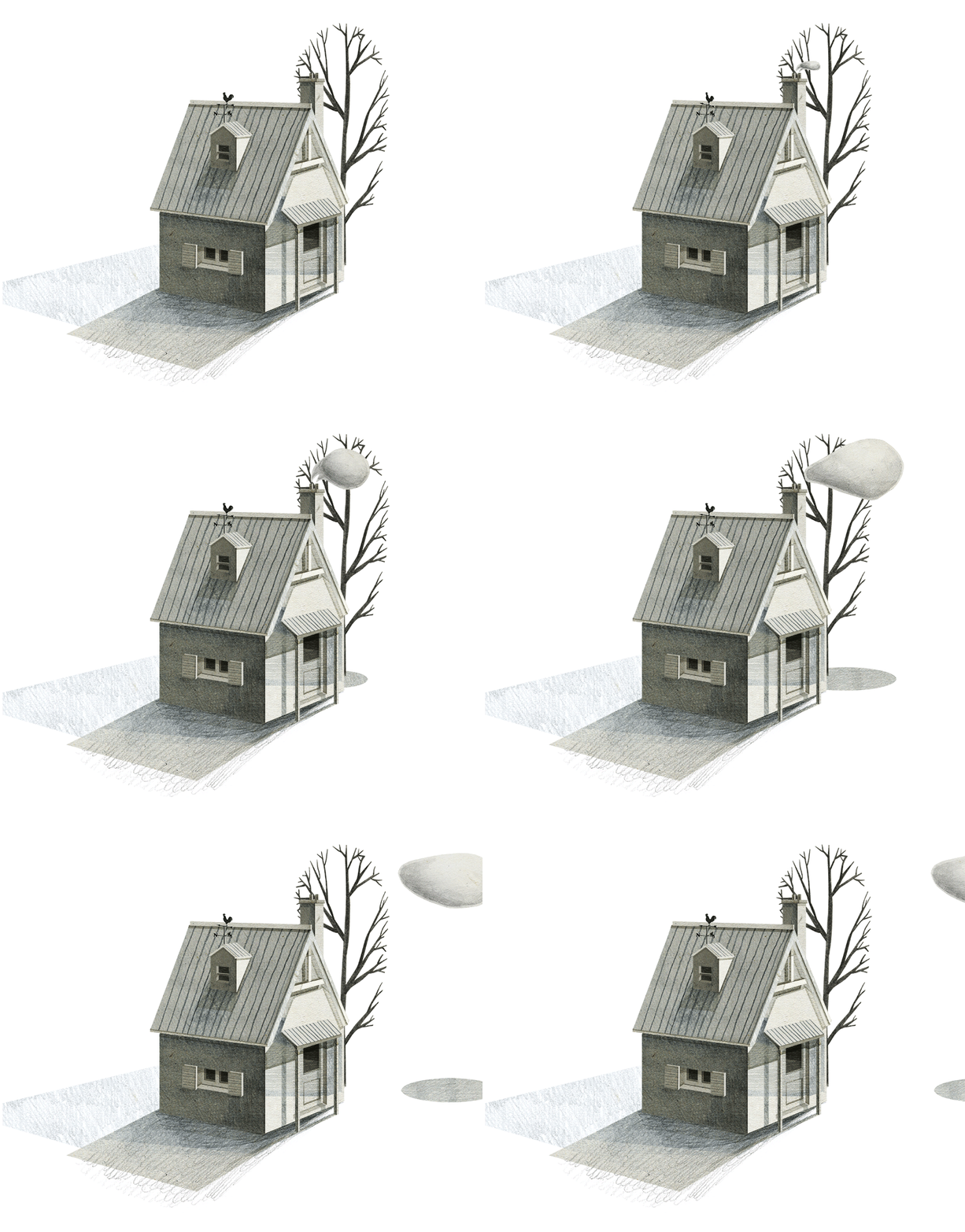
Layer 3:
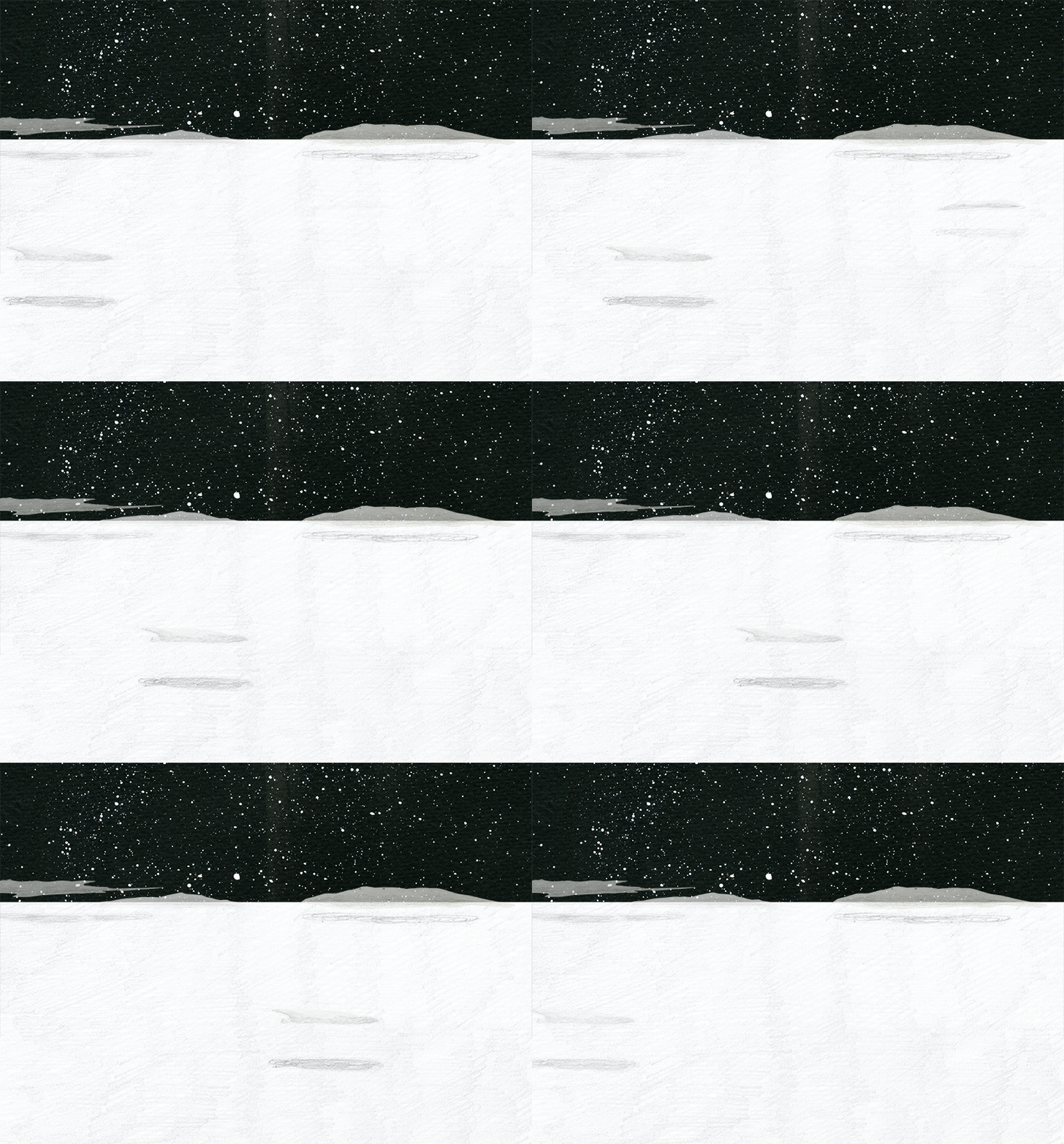
BPB: Do you have any websites, books, or other resources that’d you’d recommend for people wanting to make animated GIFs?
NL: My inspiration comes from observing everything in real life. You should have a notepad with you and be constantly looking at, drawing and noting down the movements of things. I also like to take videos of movement or reenact my own (if people are the subject matter) so I can use them as guides back at my desk.
BPB: What’s the one thing you wish you knew before you started?
NL: I wish I was formally trained in animation. I do feel my way of working is rather labour intensive and time consuming. There are most likely programs you can use to make the process much easier and faster. At the same time frame by frame hand drawn animation is a wonderful way to understand movement and improve your thinking and attention to detail.
Thanks, Nancy! To keep up with her latest animations, follow her GIF blog.
7 Comments
timo
April 3, 2015 at 3:25 pmWow! This is just awesome, very interesting and the work of Nancy Liang is so beautiful!
I’ve discovered your web right now, but it’s going to be difficult to leave it. Thanks Sara for share so nice art. I’ll come back again and again.
Cheers!
Sara Barnes
April 5, 2015 at 10:16 amThanks for visiting, Timo!! I hope that Nancy’s tutorial inspires you to make some GIFs of your own. 🙂
How Did You Do That? 'The Robot Factory' App by Tinybop
May 1, 2015 at 10:05 am[…] debut of How Did You Do That?, a series focused on how makers create the things that we love. Nancy Liang kicked it off by sharing her GIF-making process. Now, I’m pleased to present something totally […]
How Did You Do That? Irma Gruenholz's 3D Illustrations
May 27, 2015 at 10:03 am[…] series that focuses on how makers create the things that we love. So far, we’ve learned how Nancy Liang crafts her spooky GIFs and had a peak into Tinybop’s intensive app-making process. Now, Irma Gruenholz shares how […]
Discover the alluring GIFs by Nancy Liang | Welcome to Giang's Writing Vault
October 27, 2015 at 6:50 am[…] is Nancy sharing the making of one of her GIFs, then there is a selection of our […]
Eileen McKenna
November 27, 2015 at 3:27 pmI’m a big fan of Nancy’s work, so thank you for this interesting post on her process!
Nancy Liang’s Mixed-Media Magic | astrojanet
June 27, 2016 at 1:03 pm[…] I write a lot of notes and use a checklist. For me the animation process must be very organized and controlled. The process is very close to that of traditional animation. The background is usually a static handmade and/or hand drawn piece and what I choose to move is separated into layers and placed over the background. I will then scan all my layers into my computer, arrange them in Photoshop and then start to animate. – Nancy Liang, on her process. Quote taken from this article. […]